
E-signatures are a good example of a tool category where small businesses often pay for far more than they use. Many teams sign a handful of proposals and contracts a month, yet sit on a monthly plan sized for a sales department. BreezeDoc's AppSumo deal is aimed at that gap.
It also comes with a review profile that's weaker than most deals we'd normally shortlist, which is why this breakdown spends as much time on caution as on features.
To be clear about our method: we haven't tested BreezeDoc ourselves. This is based on the AppSumo deal page and vendor documentation, read on 20 October 2026. All prices are at the time of writing, so confirm them on the BreezeDoc deal page.
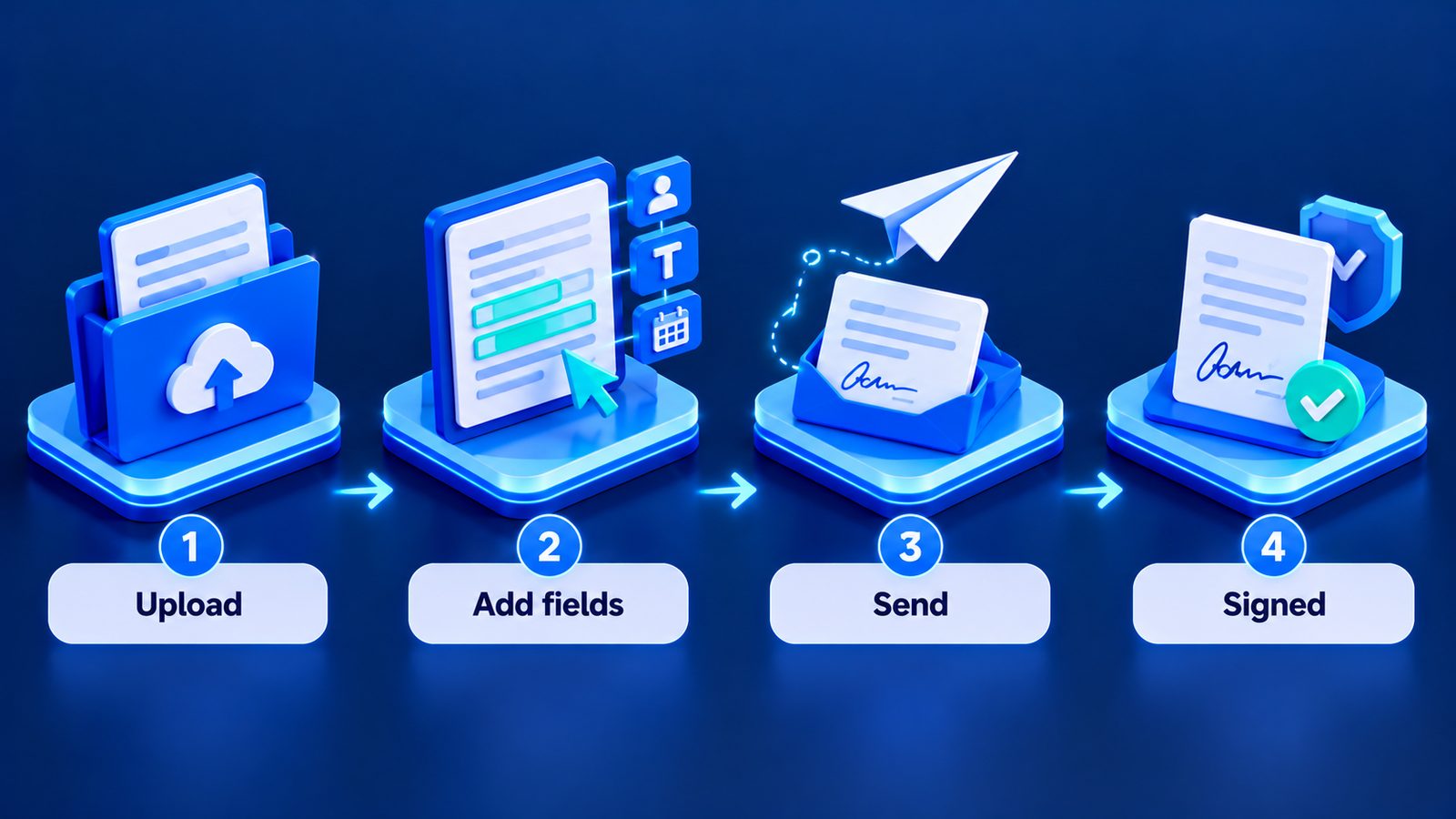
What the deal includes
At the time of writing there were two tiers:
| Tier | Price | Documents | Team | Branding |
|---|---|---|---|---|
| Individual | $19 | 20 per month | Not specified on the summary | BreezeDoc branding |
| Agency | $49 | Unlimited | 10 team members | No branding |
The Agency tier is where the deal gets interesting for businesses. Unlimited documents and 10 team members for a one-time $49 is a very different cost profile from a per-seat monthly e-signature plan. The removal of branding also matters if you send documents to clients and want them to look like they came from you.
The Individual tier's 20 documents a month is fine for a solo consultant, but it's a real cap. If you send proposals in batches, or every new client needs an NDA, a contract and a statement of work, you can hit 20 faster than you'd think.
As with other AppSumo deals at the time of writing, a 60-day refund window applied. Check the current terms on the deal page.
Reading the 3.7 rating
BreezeDoc showed a 3.7 rating from 171 reviews at the time of writing. That's a meaningful sample size, so it isn't just one or two unhappy buyers dragging the score down. For comparison, several other business deals we've covered sat between 4.3 and 4.9.
A 3.7 doesn't mean the product is bad. It usually means opinion is split: some buyers are happy, others ran into something that mattered to them. What we can't tell you from the summary is what those issues were. Before buying, we'd strongly suggest:
- Sort reviews by most recent. Products change, and reviews from a year or two ago may not reflect the current version.
- Read the lowest-rated reviews in full. Look for patterns. Are complaints about missing features you don't need, or about reliability and support, which you do?
- Check whether the vendor replies. A vendor that answers criticism with specifics is a better sign than silence.
- Look at the deal's Q&A section. Questions other buyers asked often reveal limits that aren't obvious from the feature list.
That 20 minutes of reading is worth more than any summary we could write.
How it compares to monthly e-signature plans
The common alternatives are established subscription tools such as DocuSign and Dropbox Sign. We haven't verified their current pricing for this article, so check their pricing pages directly. They typically charge monthly or annually, often per user, and the trade-off is predictable: you pay more over time, but you get a vendor with a long track record, broad integrations and the kind of compliance documentation larger clients sometimes ask for.
The honest comparison for a small business is:
- If your signing volume is low and your clients don't ask questions about which e-signature provider you use, a lifetime deal can remove a recurring cost.
- If you work with enterprise clients, regulated industries or procurement teams who want specific certifications or audit trails, confirm BreezeDoc provides what they need before you commit. If you can't confirm it, stay with a provider you can.
The data question with signed documents
Signed contracts are some of the most important records a business keeps. That changes how much vendor risk you can accept.
"Lifetime" on AppSumo means the lifetime of the product. If BreezeDoc changed direction or shut down, you'd need your signed documents and their audit information somewhere else. So during your refund window, check:
- Can you download each signed document as a PDF?
- Is the signing certificate or audit trail included in the download?
- Can you export in bulk, or only one by one?
- Who in your team owns the account, and is it tied to a shared business email?
Whatever tool you use, keep a copy of every signed contract in storage you control. That's good practice with any e-signature provider, not just a lifetime deal.
Who it suits, and who should pass
Good fit: freelancers and small agencies who send a modest number of documents, want unbranded client-facing signing on the Agency tier, and are willing to run a proper trial.
Probably not a fit: businesses whose contracts need specific compliance assurances, high-volume sales teams, or anyone who'd rather pay monthly for a long-established vendor.
If you're weighing BreezeDoc alongside other tools, our roundup of AppSumo deals for small businesses and stack-audit checklist may help. For a review of your document workflow, see our services.
FAQ
How much is the BreezeDoc AppSumo deal?
At the time of writing (20 October 2026), the Individual tier was $19 for 20 documents a month, and the Agency tier was $49 for unlimited documents, 10 team members and no branding. Confirm on the deal page.
Why are BreezeDoc's reviews mixed?
It showed 3.7 from 171 reviews at the time of writing. We can't summarise the reasons reliably from the deal summary, so read the most recent low-rated reviews and the vendor's replies yourself before buying.
Is BreezeDoc a DocuSign replacement?
For low-volume signing it may cover what a small business needs. If your clients require specific compliance features, confirm BreezeDoc offers them before switching.
Did Stackwise test BreezeDoc?
No. This breakdown is based on the AppSumo deal page and vendor documentation. Use the refund window to test it with a real, non-critical document first.